Best Apps to Save Content from Social Media in 2026

Disclosure: This comparison is written by the Saverything team. We have personally used Pocket, Raindrop, and Instapaper and aim to give an honest assessment — but you should weigh our perspective accordingly.
If you are here because Pocket is shutting down and you need a replacement, you are not alone. Mozilla’s announcement that Pocket will be winding down in 2026 has sent millions of users searching for a Pocket alternative — and the options have never been better.
But even beyond Pocket’s shutdown, saving content from social media should be simple: you see something worth keeping, you save it, and you find it later when you need it. In practice, most people end up with bookmarks scattered across Twitter, Instagram, Safari, and a notes app — none of them organized, most of them forgotten.
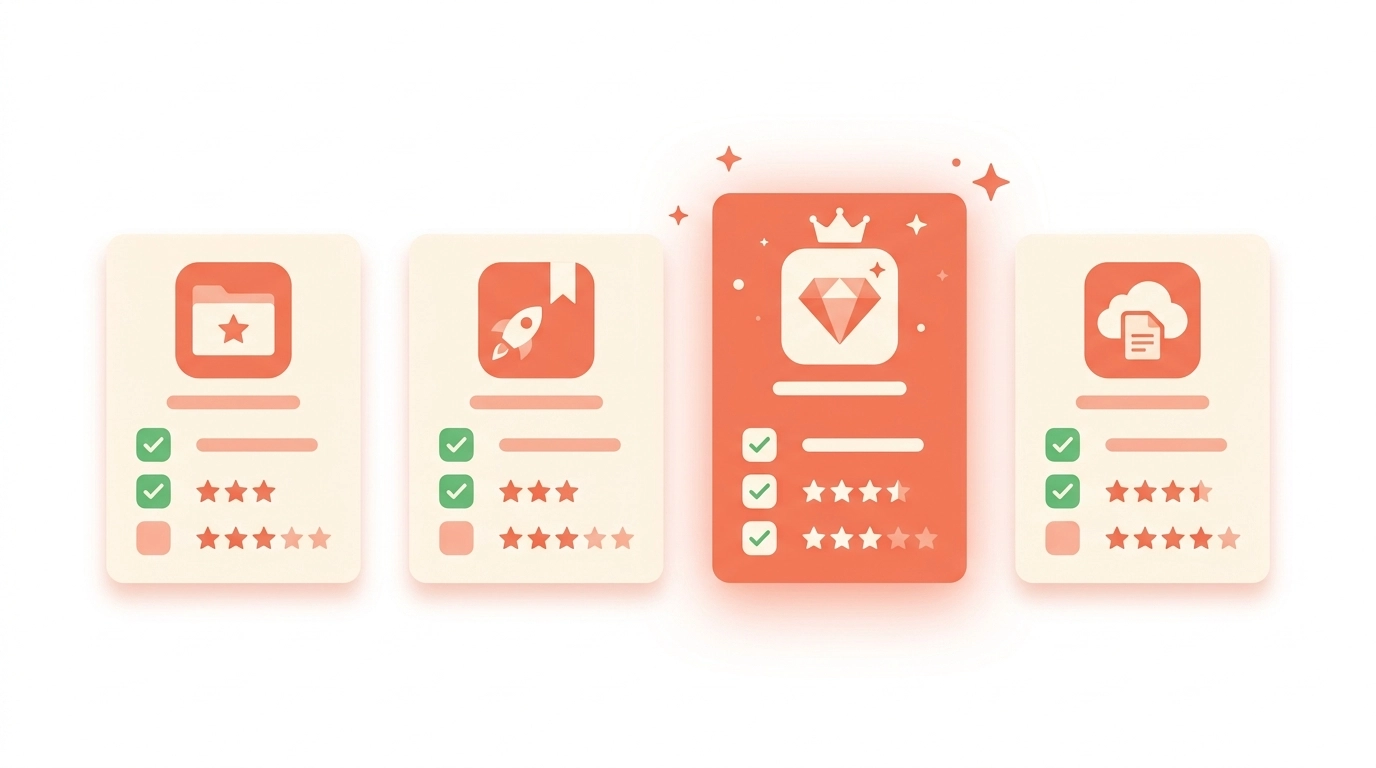
Here is a practical comparison of the best content saving apps in 2026, including free Pocket alternatives that can handle your migrated library and the social media content Pocket never handled well in the first place.
Why Are People Looking for Pocket Alternatives in 2026?
Mozilla announced in early 2026 that Pocket will be shutting down. The service that defined the “read later” category for over a decade is winding down operations, and users have been given a timeline to export their saved articles before the servers go dark.
This is not entirely surprising. Pocket had been receiving fewer updates since 2023, and Mozilla’s financial restructuring made a standalone consumer product harder to justify. But the timing has still caught many long-time users off guard.
If you are a Pocket user, here is what you need to know:
- Export your data now. Pocket’s export tool lets you download your full library as an HTML file. Do this before the shutdown date, not after.
- Your reading habits have probably changed. When Pocket launched, saving meant saving articles. In 2026, most people save tweets, Instagram posts, short-form video links, and threads — content types Pocket never handled natively.
- Free alternatives exist. You do not need to pay for a Pocket replacement. Several of the apps below offer free tiers that cover the core functionality Pocket provided, and some go well beyond it.
The good news: switching from Pocket is an opportunity to upgrade, not just migrate. The apps below handle content types and organization features that Pocket never offered.
What to Look For in a Content Saver
Before comparing apps, here are the features that separate useful content savers from glorified bookmark folders:
- Cross-platform saving: Can you save from Twitter, Instagram, AND the web?
- Automatic organization: Does it categorize content, or dump everything in one pile?
- Reminders/resurfacing: Will you actually see your saves again, or will they be buried?
- No-friction save flow: Can you save in one tap from the share menu?
- Free tier: Is the core functionality free?
The Comparison
Pocket (Shutting Down)
Pocket defined the read-later category and was acquired by Mozilla in 2017. It excelled at saving web articles and stripping them down to clean, readable text. However, Mozilla has announced that Pocket is shutting down in 2026, meaning users need to export their libraries and find a new home for their saved content.
Strengths: Excellent article reader, offline reading, broad browser integration. If you have an existing Pocket library, export it now while you still can.
Weaknesses: The service is winding down — no new features, and the shutdown timeline means your data has an expiration date. Even before the announcement, Pocket was focused primarily on articles and web pages, not social media content. No automatic categorization. Instagram and Twitter content was never a first-class citizen.
Best for: Pocket is no longer a viable long-term choice. If you are currently on Pocket, prioritize exporting your library and migrating to one of the alternatives below.
Pricing: The free and premium tiers still function as of this writing, but investing in Pocket Premium at this stage does not make sense given the announced shutdown.
Raindrop.io
Raindrop is a visual bookmark manager with folder organization and tagging. It is well-designed and supports multiple content types.
Strengths: Beautiful visual design, nested folders, tags, full-text search, collaboration features, browser extension.
Weaknesses: Manual organization required — you choose which folder every save goes to. No smart reminders or resurfacing. Social media content saved as links without special handling.
Best for: Power users who want full manual control over a large bookmark library.
Pricing: Free tier includes 5 nested collection levels, basic search, and unlimited bookmarks. Pro at $3/month adds full-text search, broken link detection, duplicate finder, and permanent cached copies.
Instapaper
Instapaper is another read-later app, similar to Pocket but with a cleaner reading experience and better typography.
Strengths: Clean reading UI, speed reading feature, highlighting and notes, good Kindle integration.
Weaknesses: Same limitations as Pocket — focused on web articles, not social media. Minimal organization features. No automatic categorization. Limited free tier.
Best for: Dedicated readers who want a premium article-reading experience.
Pricing: Free tier allows saving and reading with a 5-highlight-per-article limit. Premium at $2.99/month removes that limit and adds full-text search and text-to-speech. Kindle integration works on both tiers.
Saverything
Saverything is purpose-built for the problem of scattered social media saves. Instead of being a general bookmark manager, it focuses on collecting content from Twitter, Instagram, and the web into one organized place.
Strengths: One-tap saving via share menu, automatic categorization by topic and platform, spaced repetition reminders that resurface forgotten saves, no signup required, completely free.
Weaknesses: iOS only (no Android or web app yet), no browser extension, newer product with smaller feature set than mature alternatives.
Best for: People who save content primarily from social media and want automatic organization without manual effort.
Pricing: Completely free — no premium tier, no in-app purchases, no ads. Every feature is available to every user from day one. This may change as the product matures, but as of 2026 there is no paid tier on the roadmap.
Feature Comparison Table
| Feature | Raindrop | Instapaper | Saverything | |
|---|---|---|---|---|
| Save from Twitter | Link only | Link only | Link only | Native share |
| Save from Instagram | No | Link only | No | Native share |
| Save from web | Yes | Yes | Yes | Yes |
| Auto-categorization | No | No | No | Yes |
| Manual folders/tags | Tags | Folders + Tags | Folders | Collections |
| Smart reminders | No | No | No | Yes (spaced repetition) |
| Offline reading | Yes | Premium | Yes | No |
| Free tier | Yes (limited) | Yes (limited) | Yes (limited) | Yes (full) |
| Signup required | Yes | Yes | Yes | No |
| Platform | iOS, Android, Web | iOS, Android, Web | iOS, Android, Web | iOS |
What About Notion, Apple Notes, and Other General Tools?
A question we hear often: why not just use Notion, Apple Notes, or a spreadsheet? These are capable tools, but there is a meaningful difference between a general-purpose note-taking app and a purpose-built content saver.
Saving friction matters more than you think. Saving a link to Notion means opening the share sheet, picking a database, filling properties, and confirming — 4-5 steps. When every save requires that much effort, you start skipping saves. Purpose-built savers reduce this to a single tap.
General tools do not understand content types. Apple Notes treats a Twitter thread and a recipe the same way: a blob of text or a URL. It cannot extract tweet text, preserve thread structure, or pull Instagram images into visual previews. Dedicated content savers present your saves in formats that are actually useful later.
Organization does not happen by itself. General tools require you to create and maintain folders and tags consistently. After a few weeks, most people stop bothering, and their notes app becomes the same unorganized pile they were trying to escape.
Resurfacing is the real differentiator. Neither Notion nor Apple Notes will remind you about content you saved three weeks ago. Your saves sit there until you actively look for them — which, for most people, is never. Apps with smart reminders actively work against the “save and forget” pattern.
If you already have a well-maintained Notion system, it can work well. The dedicated tools above are for people who want organization without ongoing effort.
Which One Should You Choose?
If you are migrating from Pocket, your best Pocket alternative depends on what you actually used Pocket for. If you saved mostly web articles and want the closest experience, Instapaper is the natural successor — it has the same clean reader view and offline reading that made Pocket great. If you want something more powerful with visual organization, Raindrop gives you that control. And if you are honest with yourself that most of your “saved for later” content now comes from Twitter and Instagram rather than long-form articles, Saverything handles that use case better than Pocket ever did.
Choose Raindrop if you want full control over a large, well-organized bookmark library and do not mind manual sorting. It is the most capable Pocket alternative for power users who need nested folders, tags, and collaboration.
Choose Instapaper if reading experience is your top priority and you want features like speed reading and Kindle export. It is the closest free Pocket alternative in terms of core reading functionality.
Choose Saverything if your saves come primarily from Twitter and Instagram, you want automatic organization, and you do not want to manually sort anything. It is completely free on iOS with no signup required — a genuine free Pocket alternative that goes beyond what Pocket offered for social media content.
Our Testing Methodology
We tested each app for four-plus weeks before writing this comparison, using all four simultaneously and saving the same content across them.
Our evaluation focused on three core metrics. Save speed — how many taps to go from seeing content to having it saved. Organization quality — after four weeks, how easy is it to find something saved in week one? Rediscovery rate — what percentage of saved content did we actually revisit? This is the metric most reviews ignore, and we think it is the most important one.
All testing was done on iPhones running iOS 18. As the team behind Saverything, there is an inherent bias in this comparison — we have tried to present each app’s strengths fairly, but readers should factor in our perspective.
Frequently Asked Questions
Can I use more than one content saving app at the same time?
Yes. Most people settle on one primary app after a few weeks, but there is nothing wrong with using two for different purposes — for example, Pocket for articles and Saverything for social media. The downside is that your saves end up split across two places.
What happens to my saved content if a content saver app shuts down?
Pocket’s shutdown is a real-time example of why this question matters. Even with Mozilla’s backing, Pocket is winding down — proving that no service is guaranteed to last forever. Raindrop and Instapaper are established with years of track record but carry the same risk any service does. Saverything is newer and does not yet offer data export, though one is planned. As a general rule, any content saver you rely on should offer data export, and you should use that export periodically rather than waiting for a shutdown announcement.
Do any of these apps work offline?
Pocket and Instapaper both offer robust offline reading — you can download articles over Wi-Fi and read them later without a connection. However, with Pocket shutting down, Instapaper is the clear pick for offline reading going forward. Raindrop offers cached copies on its Pro plan. Saverything currently requires an internet connection, though previously loaded content remains viewable in the local cache.
The Bottom Line
The best content saver is the one that matches how you actually save content. If your saves are scattered across social media platforms and you never go back to them because they are unorganized, an app with automatic categorization and smart reminders will serve you better than a powerful but manual bookmark manager.
Saverything is free on iOS — no signup required. Try it alongside whatever you currently use and see which system you actually come back to.
If you are specifically dealing with Twitter’s bookmark limit or disappearing Instagram saves, check out our dedicated guides.